[AI-generated illustrative image] Image for illustration purposes
Disclaimer: This post contains affiliate links. As an Amazon Associate, I earn from qualifying purchases. If you click through and buy any home fitness gear, I receive a small commission at no additional cost to you.
Disclaimer: The information on this blog is for educational purposes only and does not substitute for professional medical advice. Always consult a physician before starting a new exercise program or using home gym equipment.
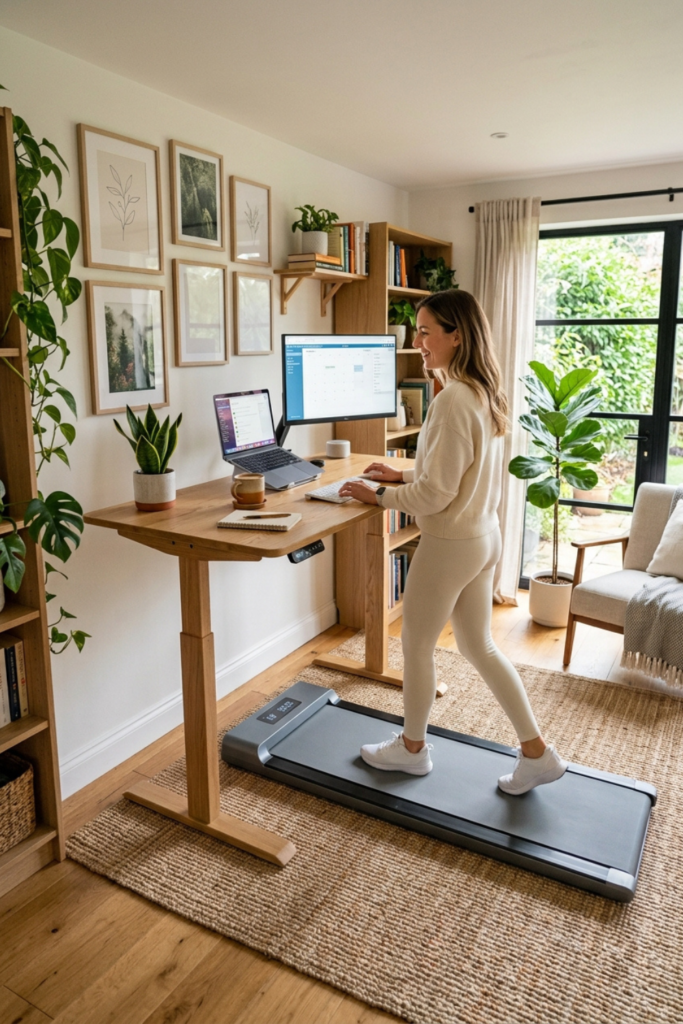
Are you part of the labor force that is now earning a paycheck working from home? If so, you are one of many. Sitting at a desk for hours day after day, although necessary, may result in a few health concerns. To combat this issue, the under desk walking pad has become an instrument that can add more movement to your workday without leaving your home office.
These slim machines are designed to slide under a desk, couch or bed when you are finished, which is why they have become so popular with remote workers and apartment dwellers. If you have been searching for an under desk treadmill that will not take over your room, this guide will help you narrow down the choices.
In this article, I will explain what to look for before you buy, then take a closer look at three walking pads that each include an incline: the CHAOKE, the FOUSAE and the FUNMILY.
Why Use an Under Desk Walking Pad?
As any doctor will tell you, (or anyone with a bit of intelligence), sitting for long stretches is not ideal. So what do we do when earning a paycheck requires a long day of sitting, usually in front of a computer? For some, they have incorporated one of these under desk walking pads into their daily work routine. The pace is gentle, which encourages daily use. Below you will see a few benefits associated with these walking pads:
- Compact design that fits small spaces and home offices
- Easy to store when you are not using it
- A gentle walking pace that works with desk tasks
- No gym membership or commute required
- Indoor walking all year, whatever the weather
Keep in mind, that a walking pad will not replace a complete exercise program, and results vary from person to person. Think of it as a way to add more daily movement, which may support your overall activity goals.
What to Look For in an Under Desk Walking Pad
[AI-generated illustrative image] Image for illustration purposes
If you are a bit comprehensive in selecting the best under desk walking pad, below you will find a number of factors before making the actual purchase. Let’s take a look at a few of these now:
Size and Desk Clearance
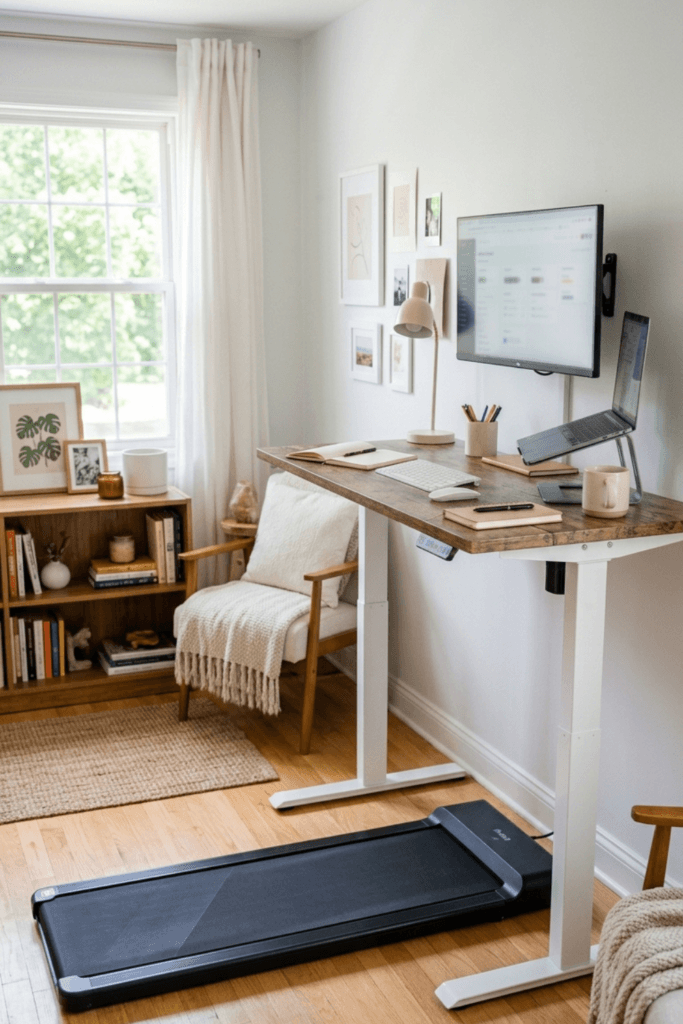
Measure the space under your desk and the floor area where the pad will sit, then compare it with the walking surface listed for each model. You will usually want a height-adjustable or standing desk so your keyboard and screen stay at a comfortable height while you walk. Leave a little room in front and behind the pad so you can step on and off easily.
Handlebar
A handlebar can add stability while you step on, step off or adjust your pace. The tradeoff is that a handlebar can get in the way of your desk. A handlebar that adjusts in height or folds can make it easier to fit the pad into a tight workspace.
Incline
The three pads below list incline options ranging from 9% to 15%.
Noise
Noise matters if you take calls or live in an apartment. Manufacturers describe noise differently, so read recent customer reviews for real-world feedback before you decide.
Remote and Display
A remote lets you change speed without bending down, and a display helps you keep track of your time and pace. These are small features, but they make a pad easier to use at a desk.
Weight Capacity and Storage
Check the listed weight capacity and leave yourself some margin. Then think about where the pad will live when you are not using it. A slim or foldable design is easier to slide under furniture or stand against a wall.
The 3 Picks
[AI-generated illustrative image] Image for illustration purposes
Each pad below includes an incline, so I have focused on what sets them apart. I am describing them based on their listings, so please confirm the details on each product page before you buy.
1. CHAOKE Walking Pad Treadmill With 9% Incline and Remote Control
Best for: people who want a remote and preset programs in a pad made for small spaces.
Key features:
- 9% incline
- 6.2 MPH top speed
- 2.75HP motor, described as quiet
- Remote control
- 330 lb listed weight capacity
- 12 HIIT programs
The CHAOKE is aimed at small spaces and offices, and its listing highlights a remote and 12 built-in HIIT programs. Programs can add variety if you like to change up your sessions, though desk work usually calls for a steady walking pace. Its 9% incline is the lowest of the three, which may suit you if you prefer to ease into incline walking.
Check Out This Product by Clicking HERE
2. FOUSAE Under Desk Walking Pad With 10% Incline and Double Frame
Best for: people who want a double-frame build along with a remote and preset programs.
Key features:
- 10% incline
- 6.2 MPH top speed
- 2.75HP brushless drive
- Double frame
- Remote control
- 350 lb listed weight capacity
- 12 HIIT programs
On paper, the FOUSAE is similar to the CHAOKE, with the same top speed, motor size and number of programs. The differences in the listing are a slightly steeper 10% incline, a brushless drive, a double frame and a 350 lb listed capacity. A double frame refers to how the pad is built, so look at photos and customer reviews to judge how steady it feels in use.
Check Out This Product by Clicking HERE
3. FUNMILY Folding Walking Pad With 12%/15% Incline and Handle Bar
[AI-generated illustrative image] Image for illustration purposes
Best for: people who want a foldable pad with a handle bar and more incline options.
Key features (per the listing):
- 12% and 15% incline options
- Handle bar
- 3.5HP motor
- Foldable, compact design
- 400+ lb listed weight capacity
- Shock absorption
The FUNMILY stands out for its higher incline options, its handle bar and its foldable design, which can make storage easier in a shared space. The listing also mentions shock absorption, which may add some cushioning underfoot, and a 400+ lb listed capacity. An incline of up to 15% is a lot of challenge for a desk session, so start flat and add incline slowly.
Check Out This Product by Clicking HERE
Walking Pad vs. Treadmill: Which Fits Your Space?
A walking pad and a treadmill can look similar, but they are built for different uses. Walking pads are slimmer, lighter and meant for walking at a gentle pace, which is why they work well at a desk. A full treadmill is usually larger and heavier, and it is generally built for faster speeds and longer workouts.
If you want a desk-friendly option that tucks away easily, a walking pad is usually the better fit. If you want a machine for faster workouts and have the room, a treadmill may suit you better. For more options that save space, see our guide to foldable fitness equipment. If you are shopping for an older family member, you may also like our guide to walking pads for seniors.
Tips for Using a Walking Pad at Your Desk
A few habits can help you get comfortable:
- Start with short sessions. Ten to fifteen minutes at an easy pace is plenty at first. Add time gradually.
- Begin on a flat surface. Try the incline only after you feel steady at a flat pace.
- Wear supportive shoes. Flat, supportive shoes are more comfortable than socks or slippers.
- Mind your balance. Use the handlebar when you step on and off, and keep your steps natural.
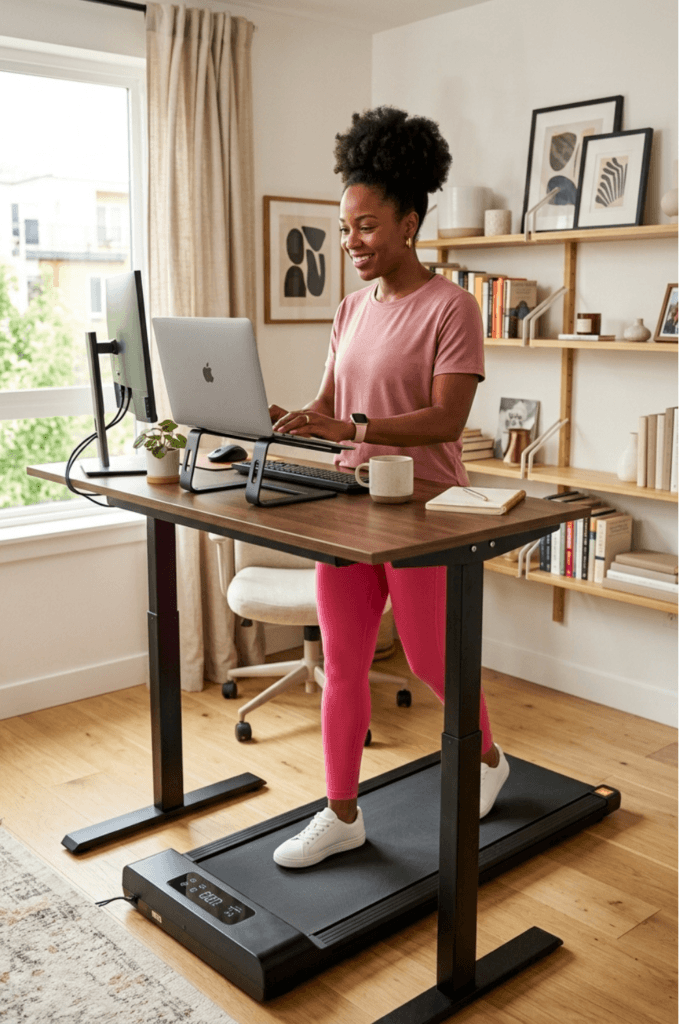
- Set up your desk first. Adjust your keyboard and screen height before you start walking, so you are not leaning or reaching.
- Stop if something feels wrong. If you feel dizzy, short of breath or notice pain, stop and rest.
Talk to your doctor before starting, especially if you have balance concerns, joint problems or a health condition.
Frequently Asked Questions
Can you run on an under desk walking pad?
Most walking pads are designed for walking speeds. Check the manufacturer’s speed range and guidance before using any pad for anything faster than a walk.
Will a walking pad fit under my desk?
It depends on your desk and the pad. Measure the floor space and compare it with the listed size, and remember that most people use a pad with a standing or height-adjustable desk. Check the pad’s height too if you plan to slide it under furniture for storage.
Are walking pads loud?
Noise varies by model, motor and your floor. Listings may describe a pad as quiet, but real-world reviews are the best way to judge how loud it is in a home.
Do I need a handlebar?
You do not need one to use a walking pad, but many people like having one for stability, especially when stepping on and off. If your desk is tight, look for a handlebar that adjusts or folds.
Final Thoughts
[AI-generated illustrative image] Image for illustration purposes
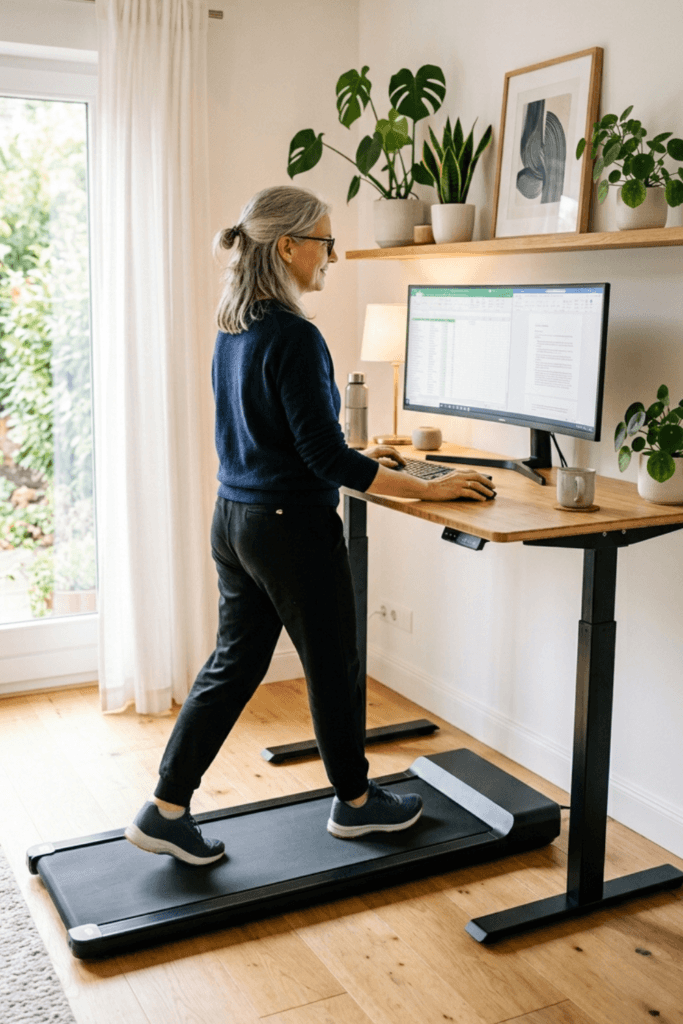
As we discussed above, an under desk walking pad can be a simple but effective way to add more movement to a workday spent mostly sitting. Which machine is right for you depends on a number of factors, including space as one of the biggest. We took a look at three of these under desk walking pads, with each one designed a bit differently. Hopefully, this article has provided some helpful information in deciding if one of these machines would be beneficial. They do provide a gentle workout, getting you up and moving while you continue with job responsibilities. It’s a win-win!